
Best Minimalist Apps to Try (Technology That Supports Focus, Not Distraction) , Day 20
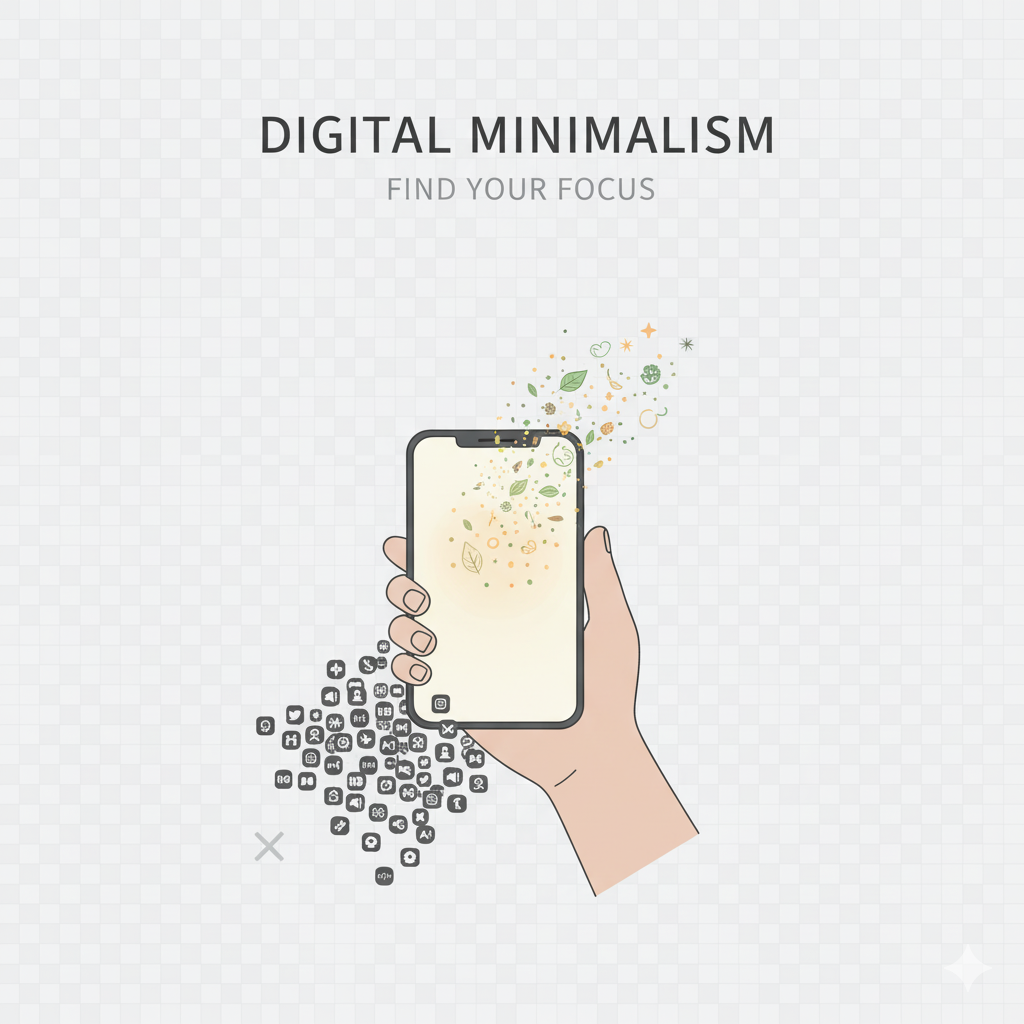
Digital minimalism isn’t about shunning technology altogether-it’s about choosing the right tools that foster clarity, focus, and balance in your life. The real issue isn’t technology itself; it’s the overwhelming number of apps vying for your attention. The minimalist apps listed below are crafted to help you cut down on distractions, stay organized, and cultivate healthier digital habits- all without adding to the digital chaos.
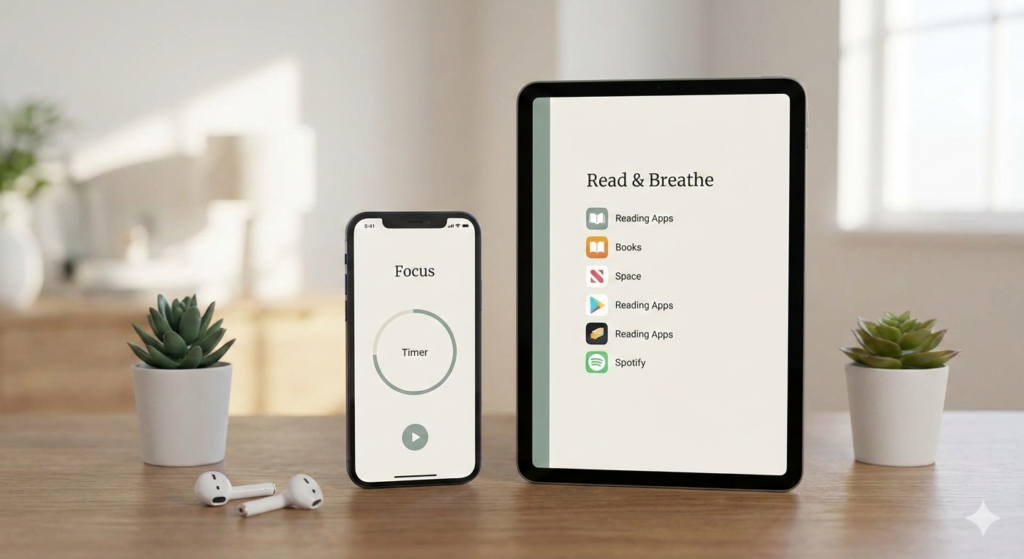
What Makes an App “Minimalist”? A genuinely minimalist app: Features a clean interface – avoids unnecessary notifications – has a clear purpose – minimizes mental clutter – encourages focus and intention.
These apps aim to simplify your digital experience rather than complicate it.
Best Minimalist Apps to Try:
1. Forest (Focus & Screen-Time Reduction) Best for:
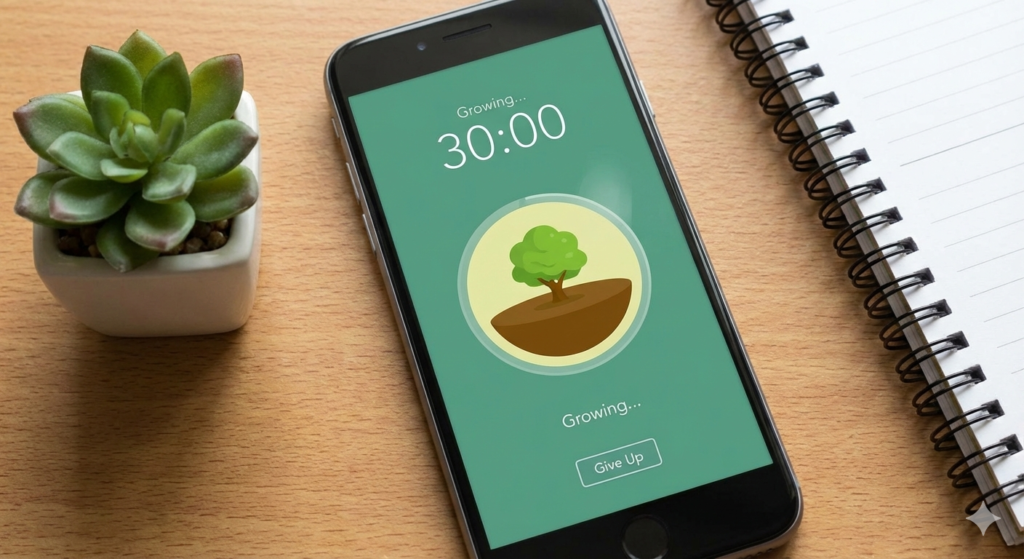
Staying focused and cutting down on phone use, Forest helps you resist the urge to check your phone by allowing you to grow a virtual tree while you concentrate. If you exit the app, your tree withers – a straightforward yet impactful reminder to stay engaged.
Why it works: – visual motivation – minimal interface – encourages deep work.
2. Freedom (Block Distractions) Best for:
Blocking apps and websites. Freedom enables you to block distracting apps, websites, or even the entire internet during your focus time.
Why it works: – scheduled focus sessions – works across devices – no unnecessary features
3. Notion (All-in-One Minimal Organizer) Best for:
Notes, planning, and organization Instead of juggling multiple apps, Notion consolidates everything into one tidy workspace.
Why it works: – customizable yet minimal – reduces app overload – centralizes information.
4. Todoist (Simple Task Management) Best for:
Clear, distraction-free task lists- Todoist boasts a clean design that helps you concentrate on what needs to be done – nothing more, nothing less.
Why it works: – minimal layout – priority-based tasks – avoids visual clutter.
5. Unroll.me (Inbox Declutter) Best for:
Tackling email overload Unroll.me makes it easy to unsubscribe from those pesky newsletters and bundles your group subscriptions into a single digest.
Why it works: – Quick inbox cleanup – Reduces daily email stress – Simple setup.
6. Files by Google (Phone Storage Cleanup) Best for:
Clearing out files and freeing up storage. This handy app helps you spot junk files, duplicates, and data you no longer use.
Why it works: – Clean interface – Smart recommendations – Boosts device performance.
7. One Sec (Break App Addiction) Best for:
Curbing social media impulsiveness. One Sec gives you a moment to pause before diving into distracting apps, encouraging you to think twice about your choice.
Why it works: – Breaks habit loops – Promotes mindful app usage – Extremely minimal design.
8. Pocket (Intentional Content Consumption) Best for:
Saving articles for later reading. Pocket encourages you to read slowly and mindfully instead of getting lost in endless scrolling.
Why it works: – Offline reading – Clean reading interface – Reduces social media consumption.
Minimalist Tip: Don’t Download All at Once. The aim isn’t to swap clutter for more apps.
Choose: 1 focus app, 1 organization app, 1 blocking app, that’s all you need.
Final Thought:
Minimalist apps are here to enhance your life -not take it over. When you select your tools with intention, technology can be a helpful ally rather than a source of stress. Fewer apps. More clarity. Better focus.