

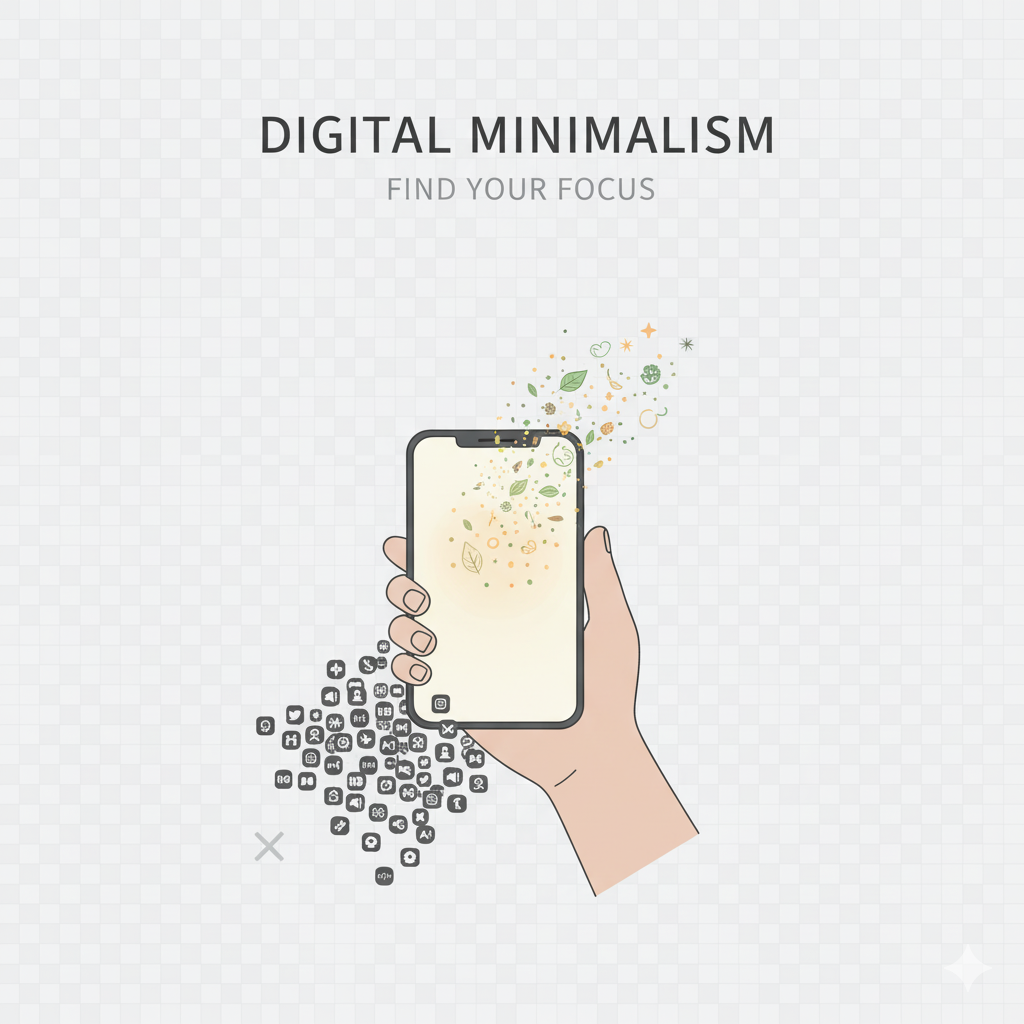
Minimalist Home Screen Ideas — Create a Calm, Clean Phone Interface
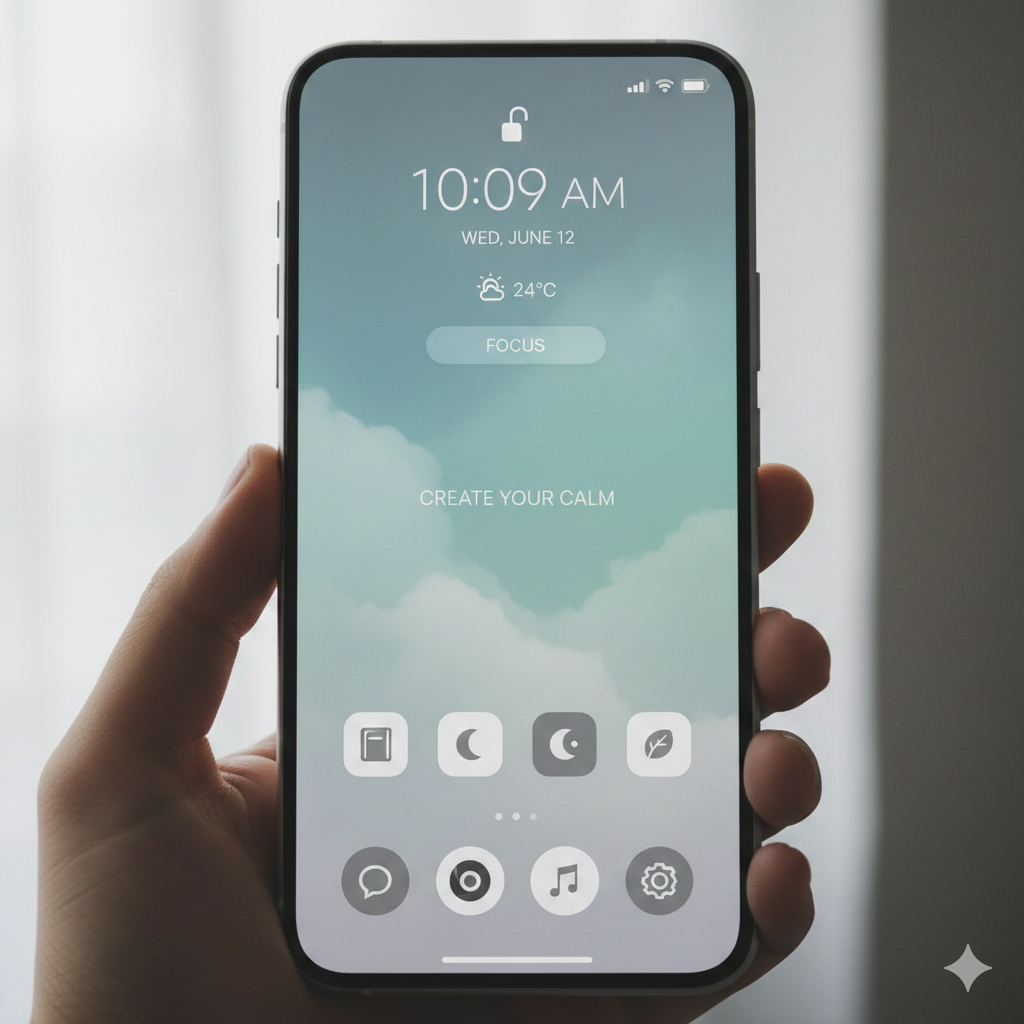
Your home screen is the “front door” to your digital life.
If it’s cluttered, chaotic, and overloaded with icons, your mind feels the same way every time you unlock your phone.
A minimalist home screen creates instant calm, reduces temptation, and encourages intentional use of your device.
Here’s how to design a home screen that supports your focus and peace of mind.
Why a Minimal Home Screen Matters
A clean home screen helps you:
Reduce mindless scrolling
Avoid app addiction
Stay focused on what truly matters
Decrease digital stress
Find apps quickly
Use your phone with intention
Minimalism isn’t just aesthetic — it’s a mental reset.
1. Create a One-Page Layout
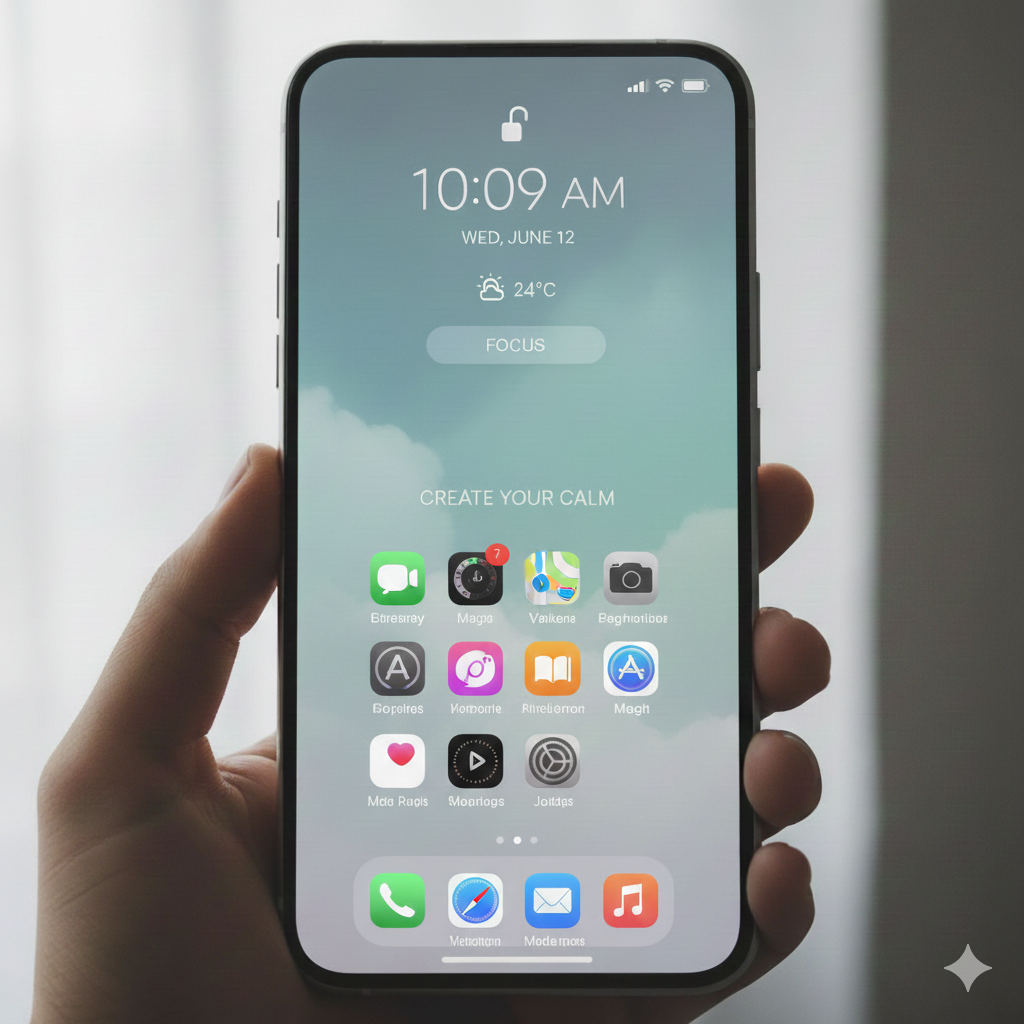
Try to keep everything you need on one page.
This prevents endless swiping and keeps your phone feeling organized.
Your ideal home screen layout:
Essential apps
1–2 widgets (optional)
Clean background
Plenty of open space
Visual simplicity = mental clarity.
2. Use Folders for App Categories
Group similar apps into folders like:
Work
Social
Finance
Health
Tools
Shopping (optional or keep deleted)
This reduces visual clutter and keeps your screen tidy.
Aim for 6–8 folders max.
3. Remove Social Media Icons from the Home Screen
This trick alone reduces mindless scrolling by 30–50%.
Move apps like:
YouTube
X/Twitter
TikTok
Into a folder (or second page), or uninstall them temporarily.
If it’s not easily accessible, you won’t open it mindlessly.
4. Choose a Calm, Minimal Wallpaper
Wallpaper sets the mood.
Choose something:
Light
Clean
Soft-toned
Nature-inspired
Simple gradients
Avoid:
Busy patterns
Bright neon colors
Cluttered images
Your brain relaxes when the background is clean.
5. Keep Only Essential Apps Up Front
Your home screen should only show apps you use daily, like:
Phone
Messages
Calendar
Camera
Notes
Reminders
Maps
Everything else goes into folders.
6. Use a “Focus Dock”
Your dock (bottom row) should hold your highest-priority tools:
Phone
Messages/WhatsApp
Camera
Productivity app (Notes/Todoist/Notion)
Not social media.
Not shopping.
Not entertainment.
This subtly shifts your habits.
7. Remove App Badges & Red Dots
Those red notification dots spike your anxiety and pull your attention.
Turn off:
Notification badges
Banners
App previews
Your home screen becomes peaceful instead of demanding.
8. Try a Widget-Free Layout
Widgets can be helpful, but they also add noise.
Consider going widget-free for a cleaner, distraction-less look:
No weather widget
No calendar widget
No photo widget
Sometimes simplicity = serenity.
Final Thought
A minimalist home screen isn’t just about aesthetics — it’s about creating a calmer digital environment that supports your focus and wellbeing.
Your phone should feel like a tool, not a trap.
Start simple, declutter your layout, and enjoy the peace that comes from visual clarity.