
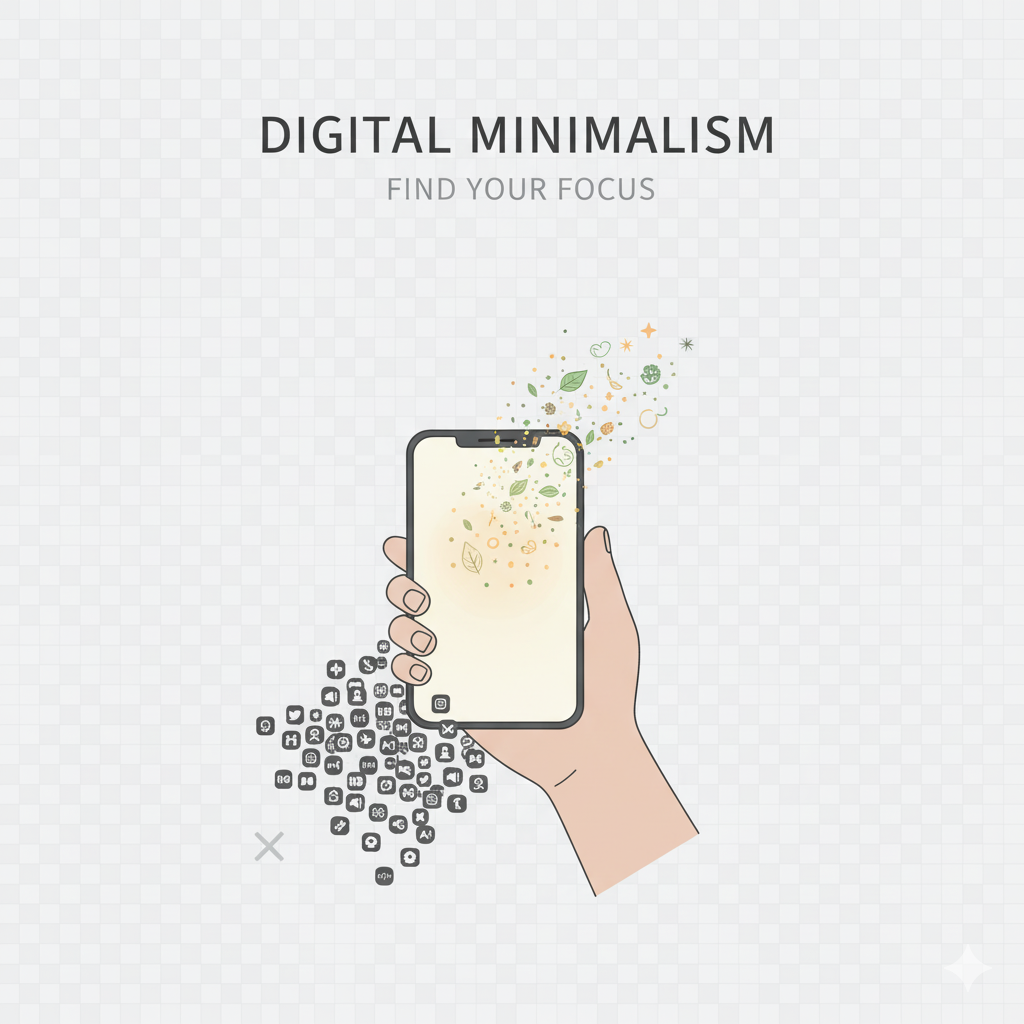
A cluttered digital space can feel just as overwhelming as a messy room.

If your laptop, phone, or cloud storage is overflowing with random downloads, confusing filenames, and scattered documents, you’re definitely not alone—digital clutter tends to accumulate without us even noticing.
But here’s the silver lining: organizing your digital files doesn’t have to be a headache. With a straightforward system, you can save time, enhance your productivity, and enjoy a more peaceful digital life.
Let’s set up a clean, easy-to-manage file structure that works for everyone.
1. Why Organizing Digital Files Matters:
Having a tidy digital system helps you: – Find files quickly – Avoid duplicates – Reduce stress Boost productivity – Keep your devices running smoothly – Safeguard important data. Digital minimalism begins with clarity, and your files are the perfect starting point.
2. Create Clear, Simple Folder Categories:
Begin with 5 to 8 main folders. Keep them broad and uncomplicated. Here are some example categories: – Work – Personal – Finance – Photos & Videos – Downloads – Health – Travel – Projects Avoid the temptation to create too many folders—simplicity is key.
3. Create Subfolders With Meaningful Names:
Within each main folder, set up subfolders for better organization. For instance: – Work → 2025 → Clients → Designs or – Personal → Documents → Certificates. Choose names that clearly indicate what’s inside.
4. Clean Out the Downloads Folder:
Your downloads folder is the top hiding spot for digital clutter. Here’s what to do: – Delete old PDFs – Remove duplicate images – Move important files to their proper folders – Clear out temporary files Aim to keep your Downloads folder as empty as possible.
5. Organize Photos & Videos Smartly:
Your gallery can get chaotic in no time—screenshots, duplicates, memes, and random forwards can pile up. Try this approach: – Create folders by year (2023, 2024, 2025…) – Inside those, set up monthly or event-based subfolders – Delete blurry or duplicate photos – Back up important memories to cloud storage. This will help keep your gallery tidy and easy to search.
6. Keep Your File Names Consistent:
File names like “IMG_4356,” “Document (34),” or “Final-Final-v2.pdf” can really create a mess. Instead, try a naming convention like: year-month-topic. Here are some examples: 2025-Tax-Documents.pdf, 2024-Travel-Plans.docx, 2025-ProjectA-Design1.png. Sticking to a consistent format can save you a ton of time down the road.
7. Always Back Up Your Important Stuff:
Make use of cloud storage options like: – Google Drive – iCloud – OneDrive – Dropbox, Make sure to back up these essentials: – Certificates – ID proofs – Tax documents – Important work – Memorable photos. This way, you’re protected from any potential data loss.
8. Get Rid of What You Don’t:
Ask yourself these questions: Do I really need this file? Will I use it again? Is it a duplicate? If the answer is “No,” then go ahead and delete it. Digital clutter can pile up quickly—don’t let it take over your space.
9. Establish a Weekly or Monthly Digital Clean-Up Routine:
Dedicate just 10 minutes each week or 30 minutes each month to: – Delete junk – Reorganize your downloads – Clean up screenshots – Move files to the right folders – Rename anything that’s unclear Regular maintenance leads to a stress-free digital life.
Final Thought:
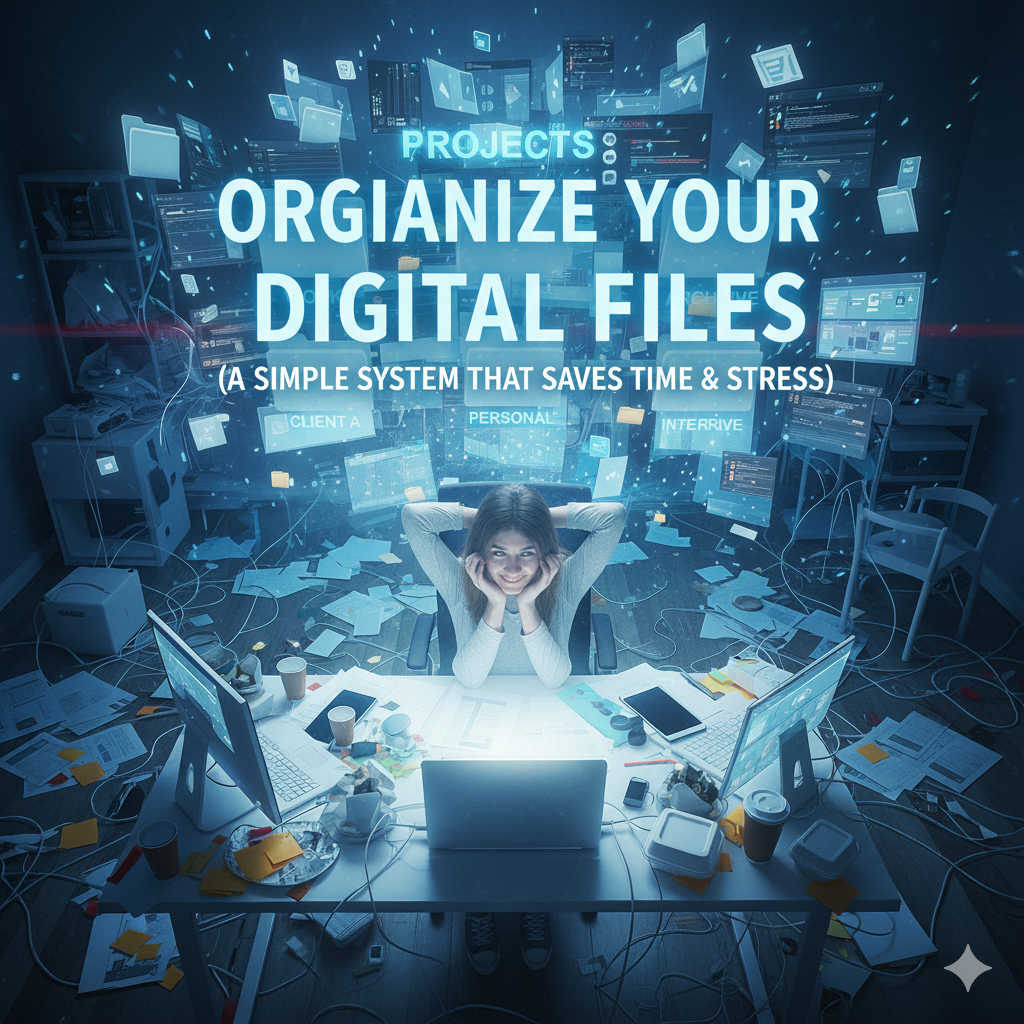
Having a simple and organized digital file system not only saves you time but also boosts your productivity and brings mental clarity. Once you set up your folder structure and naming system, navigating your digital world becomes a breeze—and a lot less stressful. Embracing digital minimalism starts with getting things in order. This small effort can make a huge difference.
