
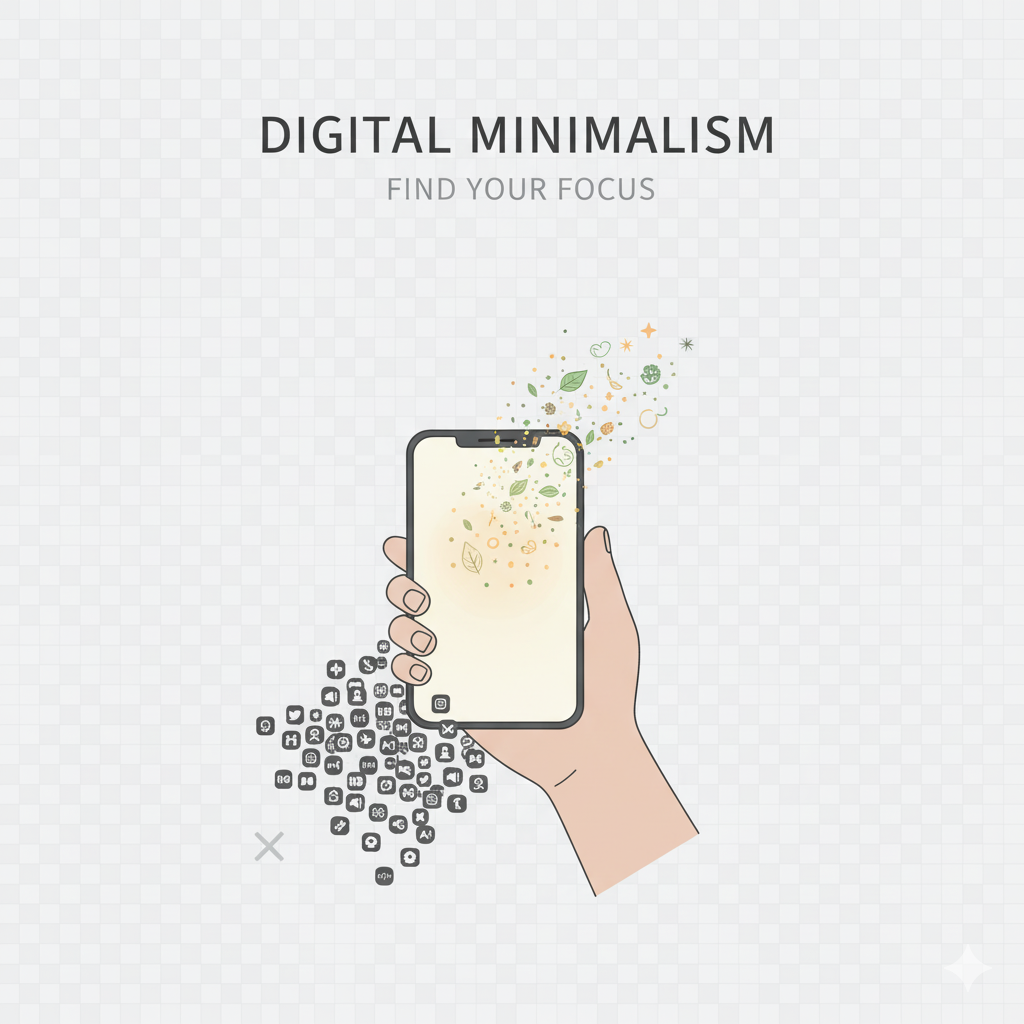
A disorganized digital environment quietly depletes your energy — similar to a cluttered physical space. Each unread email, unused application, chaotic photo collection, and random file contributes to your mental burden. This is why undertaking a digital declutter is one of the quickest methods to feel lighter, more serene, and more concentrated. Utilize this straightforward yet effective checklist to tidy your digital environment and rejuvenate your technological life.
1. Remove Unused Applications
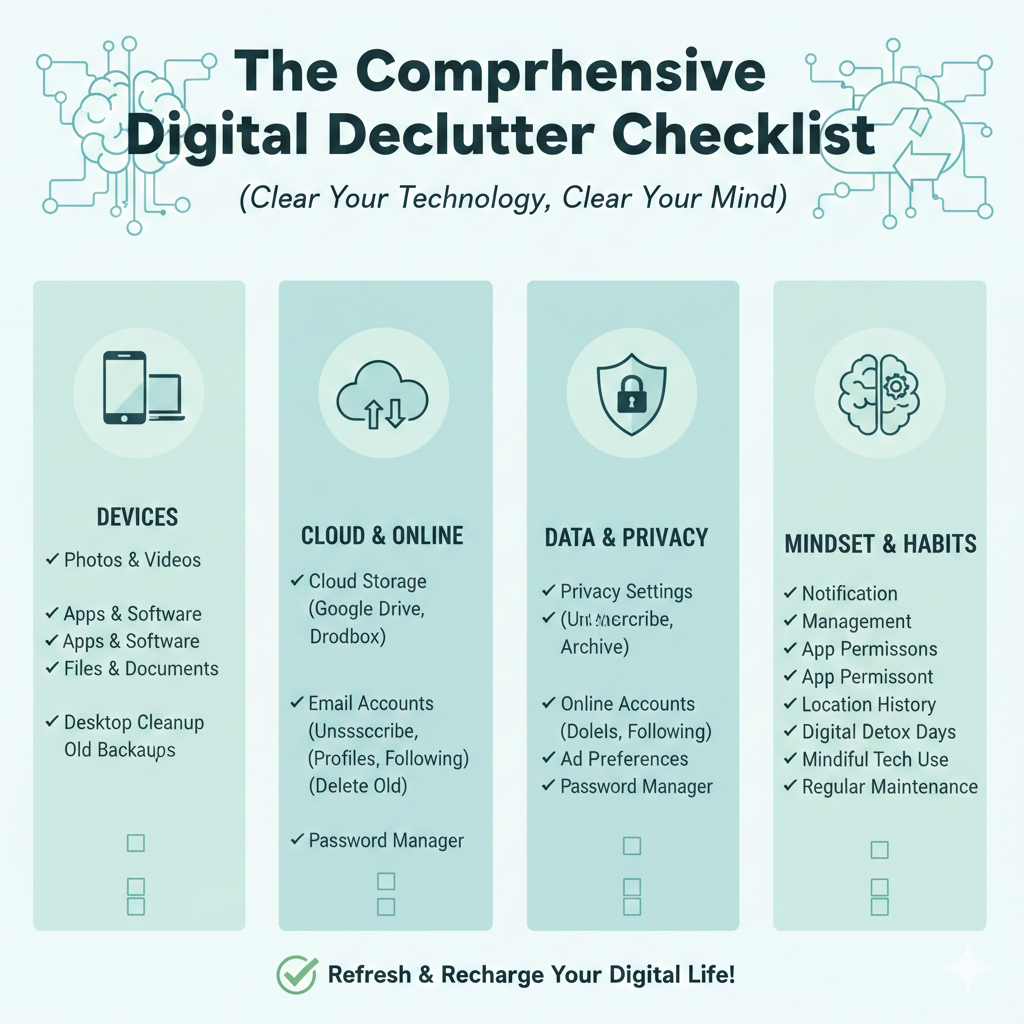
Examine your phone and eliminate: applications you haven’t accessed in months duplicate applications distracting applications that provide no benefit games or tools that are no longer necessary 💡 Fewer applications = reduced notifications = increased tranquility.
2. Organize Your Files
Establish tidy folders for: work personal documents bills/receipts photos downloads Clearly rename files to facilitate quicker retrieval.
3. Organize Your Photos & Videos
Your gallery may contain: duplicates screenshots that are no longer needed blurry images WhatsApp forwards Eliminate what is irrelevant, and back up the remaining items on cloud storage.
4. Manage Your Email Inbox
A disorganized inbox heightens hidden stress levels. Consider the following: Unsubscribe from newsletters that you never read Delete outdated promotions Create folders for work, finance, personal, and travel Utilize filters to automatically sort incoming emails Strive for Inbox Zero, or at the very least, Inbox Calm.
5. Disable Non-Essential Notifications
You do not require alerts for: sales new followers random application updates meme forwards Retain notifications solely for what is significant — messages, calls, banking alerts, and essential work communications.
6. Organize Your Home Screen
A simplified home screen minimizes temptation. Consider: 1 clean row 1-page layout folders for categories such as “Work,” “Social,” “Utilities” removing addictive applications from the primary screen Out of sight = out of mind.
7. Evaluate Your Social Media Unfollow or mute:
Negative accounts excessively edited lifestyle content pages that squander your time influencers who provoke comparison old groups or pages you no longer engage with.
Follow accounts that inspire, educate, or uplift you.
8. Clear Cache & Temporary Files
Your phone and laptop accumulate unnecessary data over time. Clearing the cache enhances: speed storage performance It’s akin to providing your device with a fresh start.
9. Back Up Important Data
Utilize cloud services such as: Google Drive iCloud Dropbox OneDrive Backup: documents photos notes passwords You will never misplace anything significant again.
10. Review Apps That Track You
Numerous applications gather more information than you might realize. Examine: permissions location access background activity microphone/camera permissions. Disable what you do not trust.
Final Thought
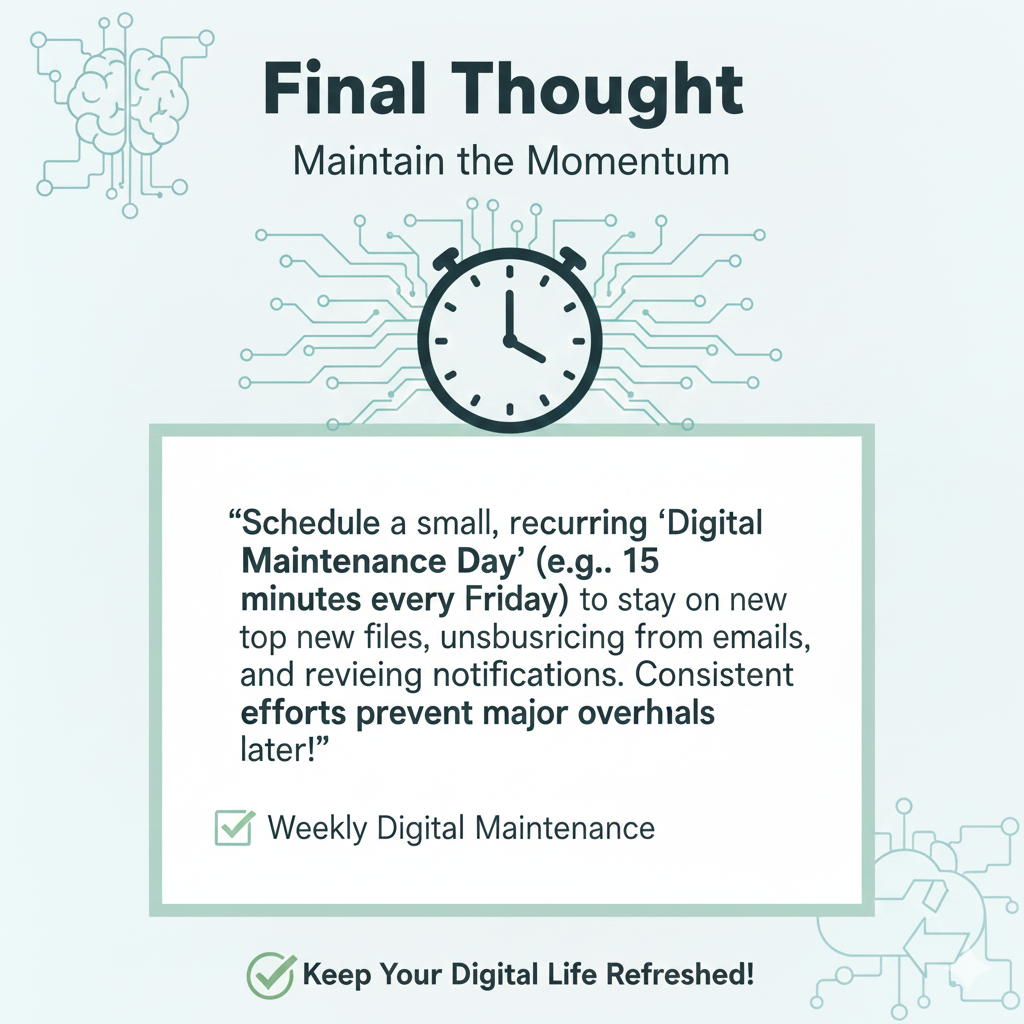
A digital declutter involves more than merely tidying up your devices — it is about creating mental clarity. When your digital environment is organized and purposeful, your mind feels lighter, your concentration becomes sharper, and your everyday life is more serene.
