
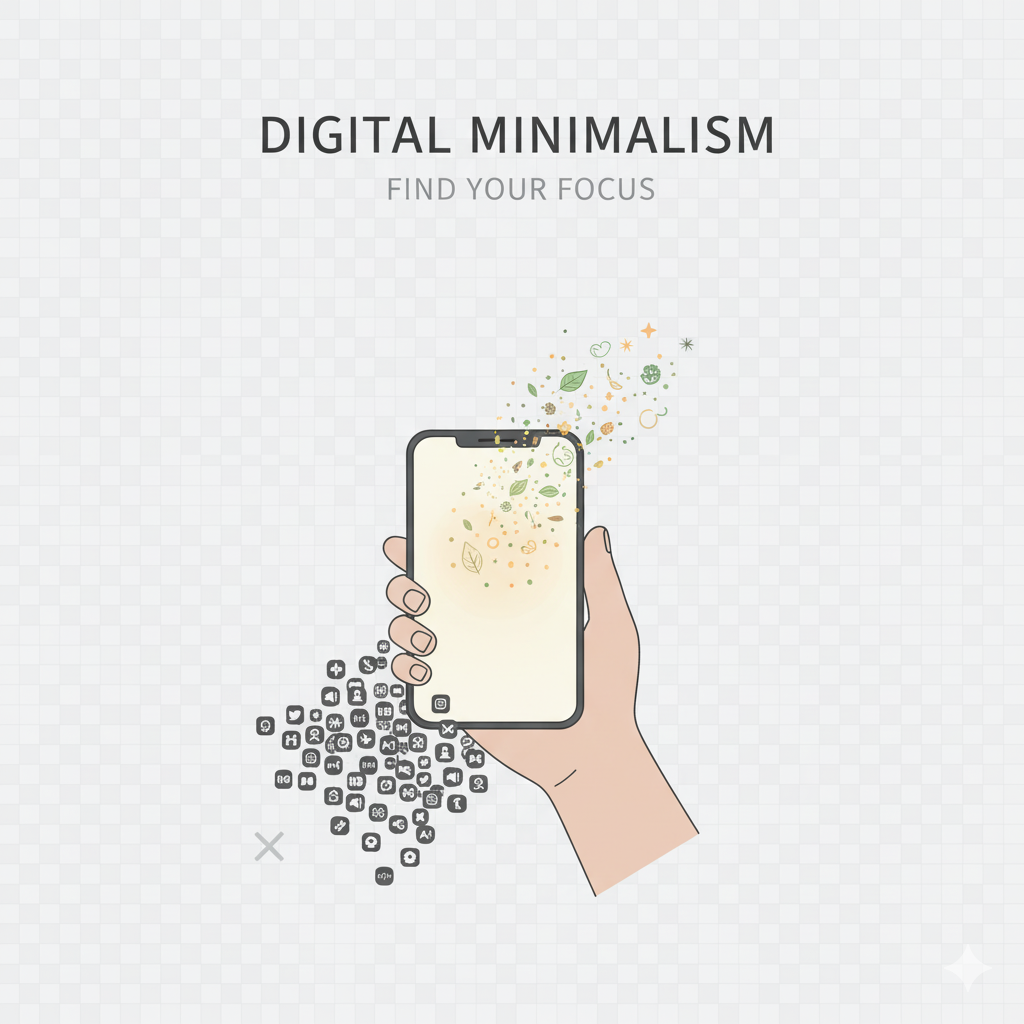
Week 2 — Day 8: The “Delete 10 Apps” Rule — A Simple Reset for a Cleaner Digital Life
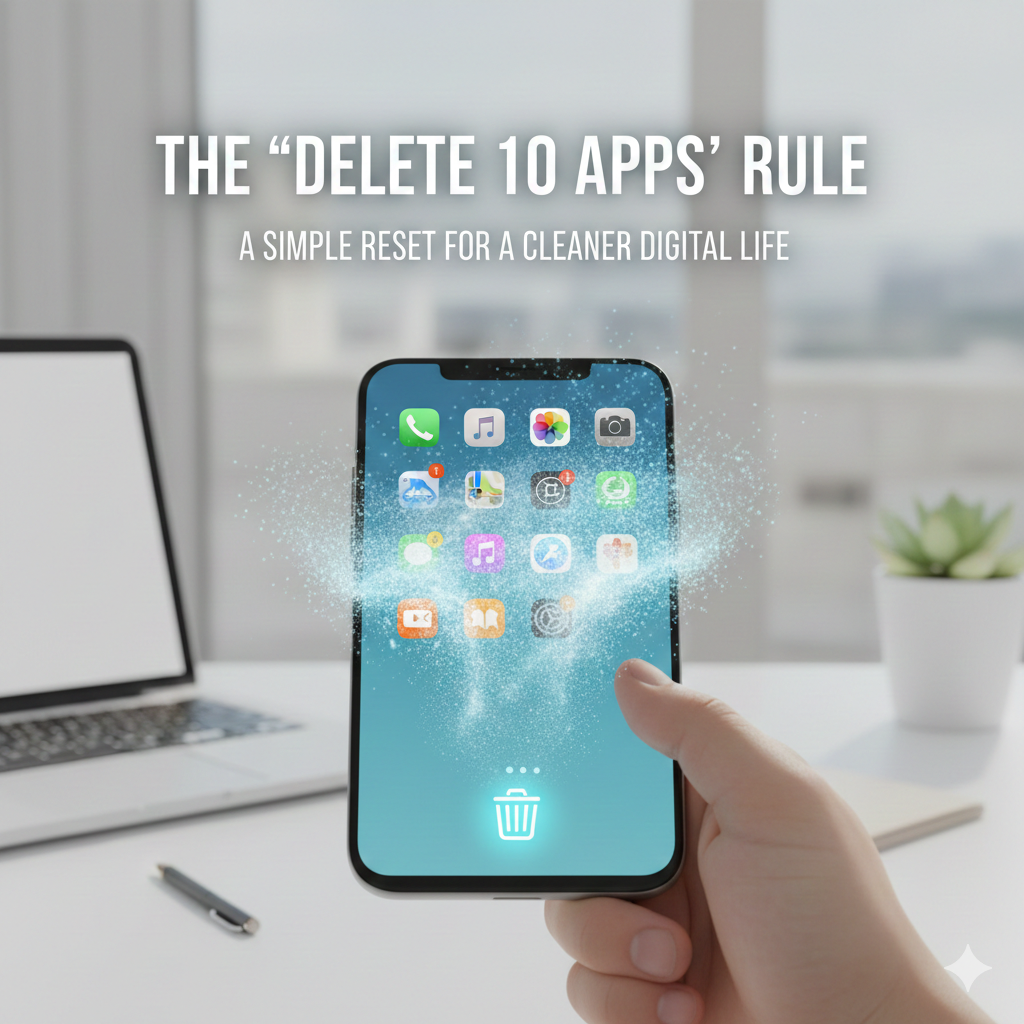
Digital minimalism does not necessarily require a complete overhaul of your phone. Often, the simplest method to refresh your technological life is by removing just ten applications. This may seem minor — yet this singular guideline fosters immediate clarity, increases storage space, reduces distractions, and promotes a more tranquil mindset. Let us examine how the Delete 10 Apps Rule functions and why it proves to be so effective.
1. Why 10 Apps?

The reason for selecting 10 is that it is sufficient to make a significant impact without becoming overwhelming. It is: Quick, simple, achievable at any time (even during a coffee break). Psychologically less daunting than larger decluttering endeavours. Moreover, often after deleting ten apps, you may find yourself naturally inclined to remove even more.
2. Identify Apps You Haven’t Used in Months:
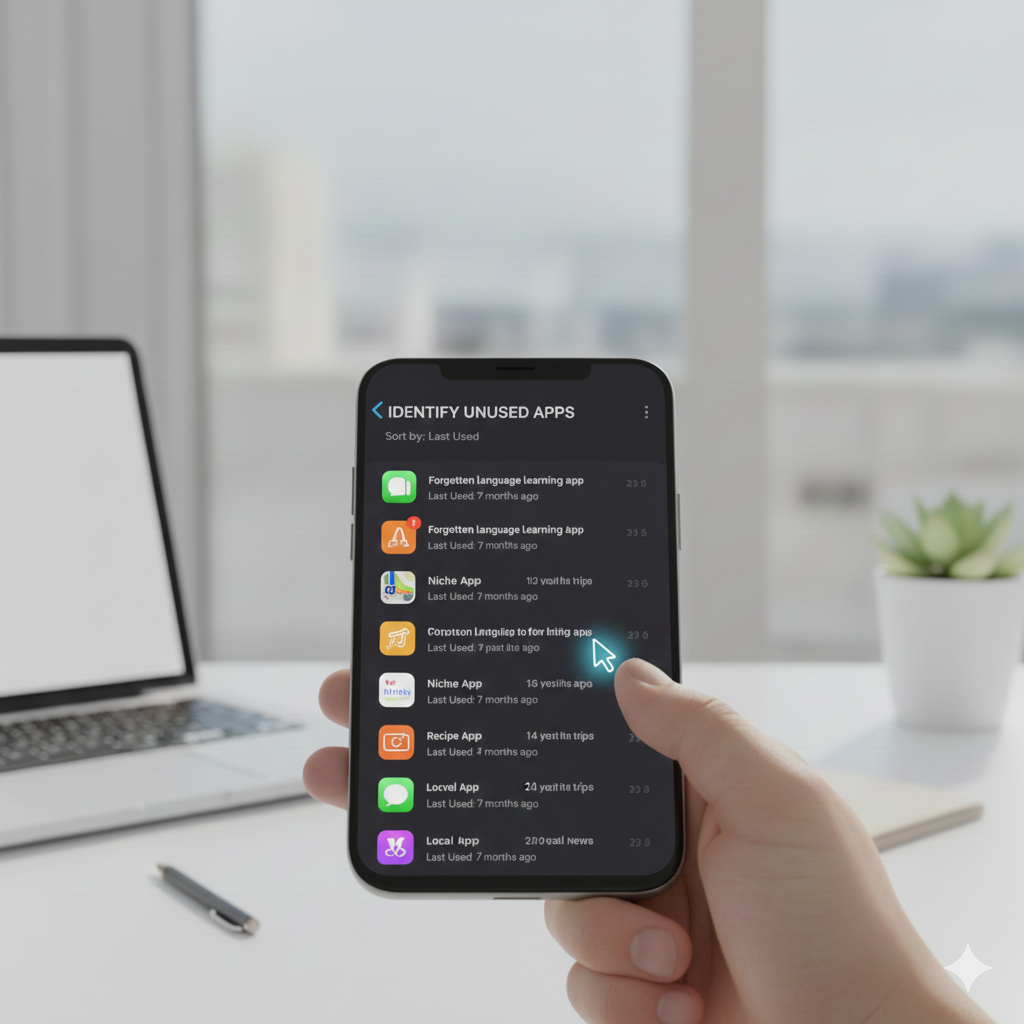
Review your phone and search for a Apps you have opened “once or twice”, trial applications. Editing tools that are no longer in use. Shopping applications. Outdated gaming apps. Redundant utility applications if you have not utilized it in the past 30–60 days, it is safe to eliminate.
3. Delete “Frustration Apps”:
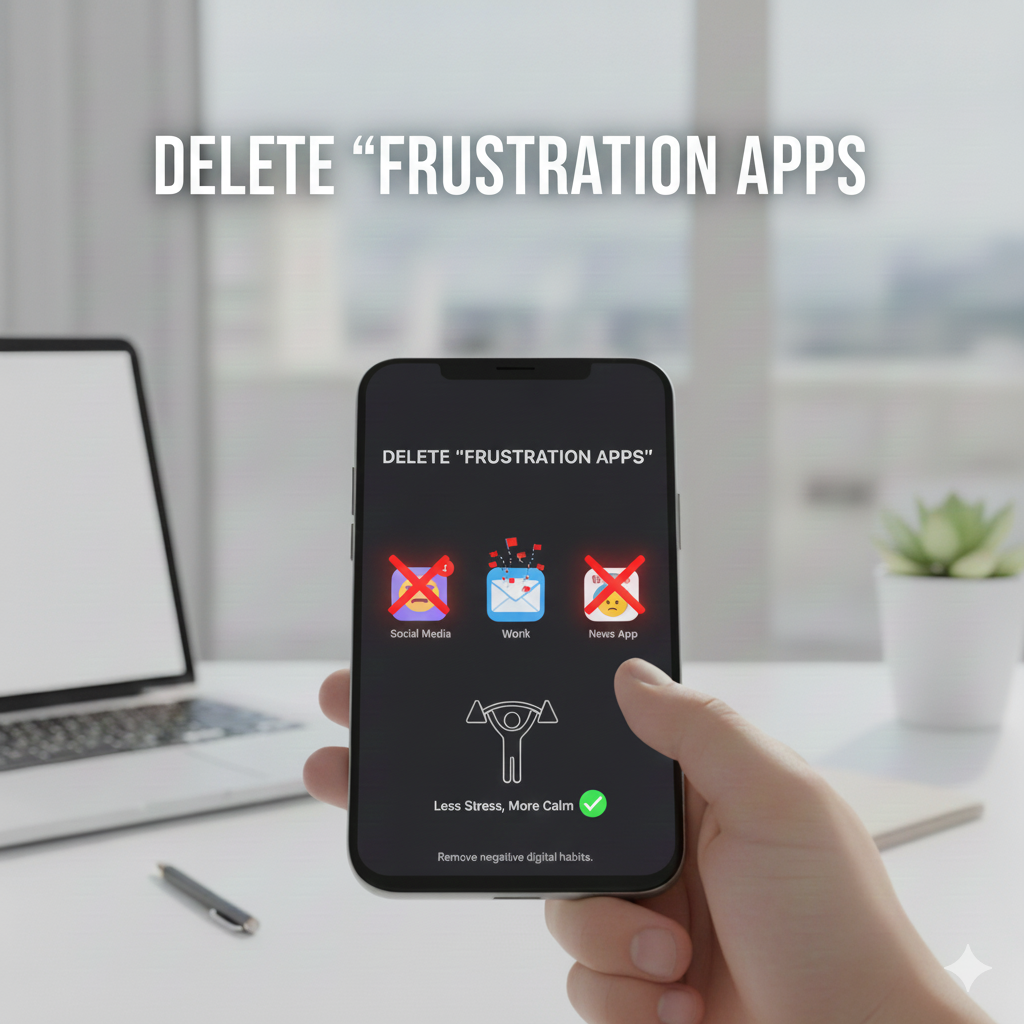
These are applications that consume time, induce stress, promote doomscrolling, distract you during work. Fail to provide genuine value. Consider the following question: Does this app enhance my life or merely contribute to the noise? If it is the latter, proceed to delete it.
4. Remove Apps That Duplicate Functions:
Many smartphones contain: Two web browsers multiple note-taking applications, several photo editing tools, extra calendar or email applications select the one that functions best for you and eliminate the others.
5. Get Rid of Shopping Apps:

Shopping applications are designed to entice you. Most individuals access them out of habit rather than necessity. Instead of retaining: Amazon, Myntra, Flipkart, Meesho, Nykaa, Ajio utilize their mobile websites when needed — they do not send push notifications.
6. Delete Apps That Add Digital Noise:
These encompass: Astrology applications, news applications, meme applications, games coupon applications. Random tools from years past. These applications clutter your mind more than they do your storage.
7. Final Step: Review, Re-check, and Delete:
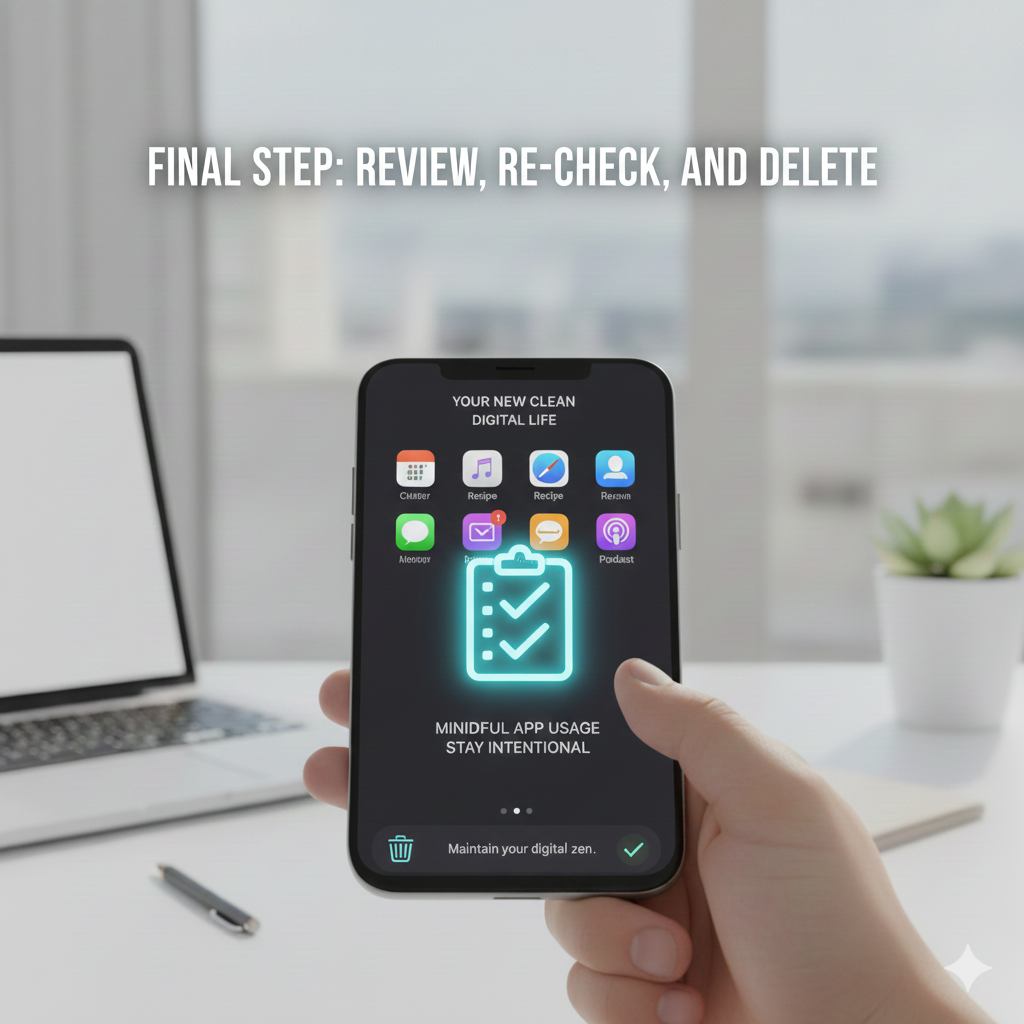
After you’ve removed 10 apps: Take a moment to breathe deeply, notice how tidy your home screen appears, savor the tranquility of fewer notifications. Experience the immediate relaxation of your mind, this marks the initial step towards a more serene digital environment.
8. Bonus:
Implement the 10-App Detox Weekly: Make this a weekend ritual, eliminate or uninstall at least 10 apps that you don’t need. In just a month, your device transforms into lighter, quicker, free of clutter, free of distractions, more purposeful and your mind reflects that same clarity.
Final Thought:
The “Delete 10 Apps Rule” is swift, requires minimal effort, and delivers immediate results. It’s one of the simplest methods to declutter your digital life and create more mental space.
A small action can lead to significant outcomes — that’s the essence of digital minimalism.
